
Adding splash screens and launch icons is always a pain. It must be done, and, it must be done right. You only get one chance to make a first impression.
Luckily I had a UX designer that provided all the assets in the right sizes.
Because I had all assets in the right sizes, I decided to do it manually for Android and iOS and not to use a package like https://pub.dev/packages/flutter_launcher_icons.
Splash screens and launch icons are platform-specific. Therefore I had to do the changes in the native solutions in Android Studio and Xcode.
Splash screen on iOS
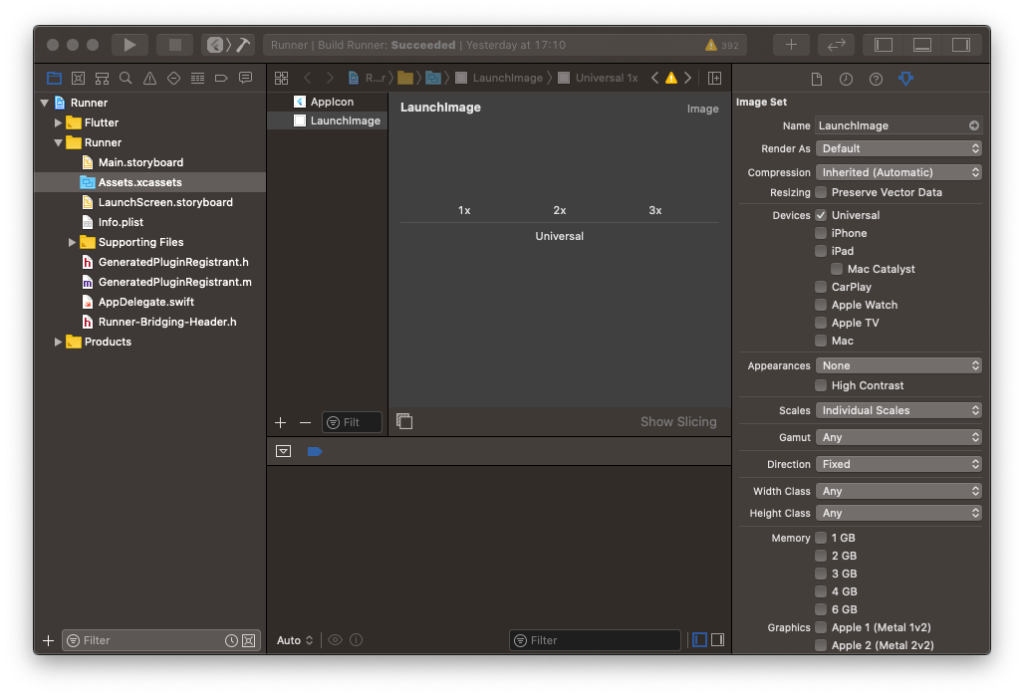
For iOS, I choose to just adjust what the default iOS project already provided. In Assets.xcassets, there is a section LaunchImage with three empty spots with the names “1x”, “2x” and “3x”.
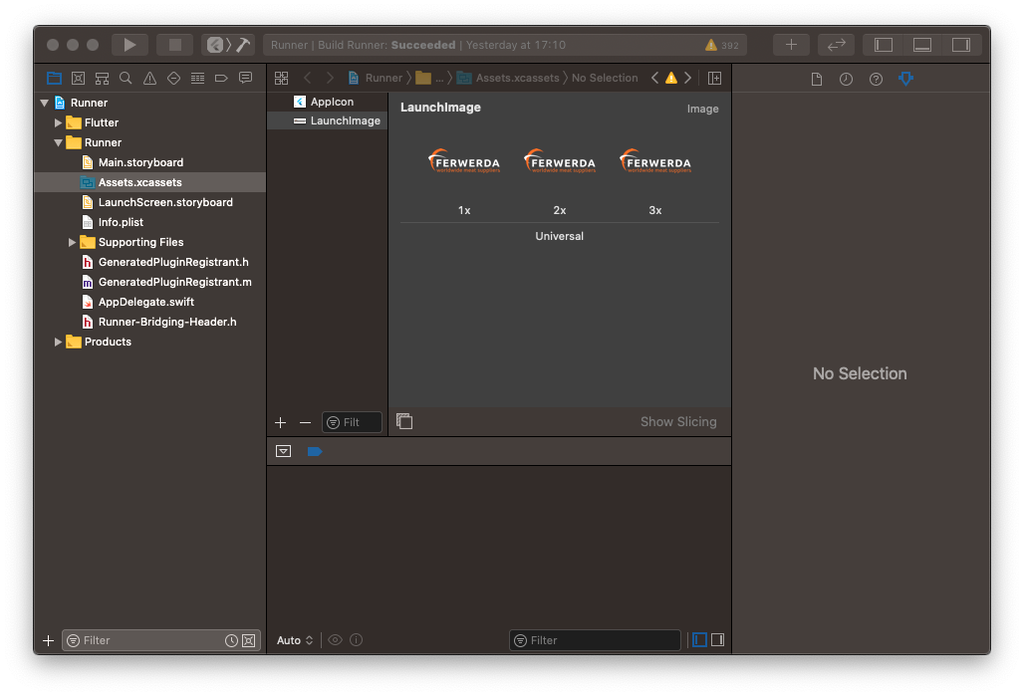
To add an image to the existing splash screen you have to add these three images, in my case these were:
ic_launcher.png   (393x137)
ic_launcher-1.png (524x182)
ic_launcher-2.png (786x273)
Before adding the files:
After adding the files:
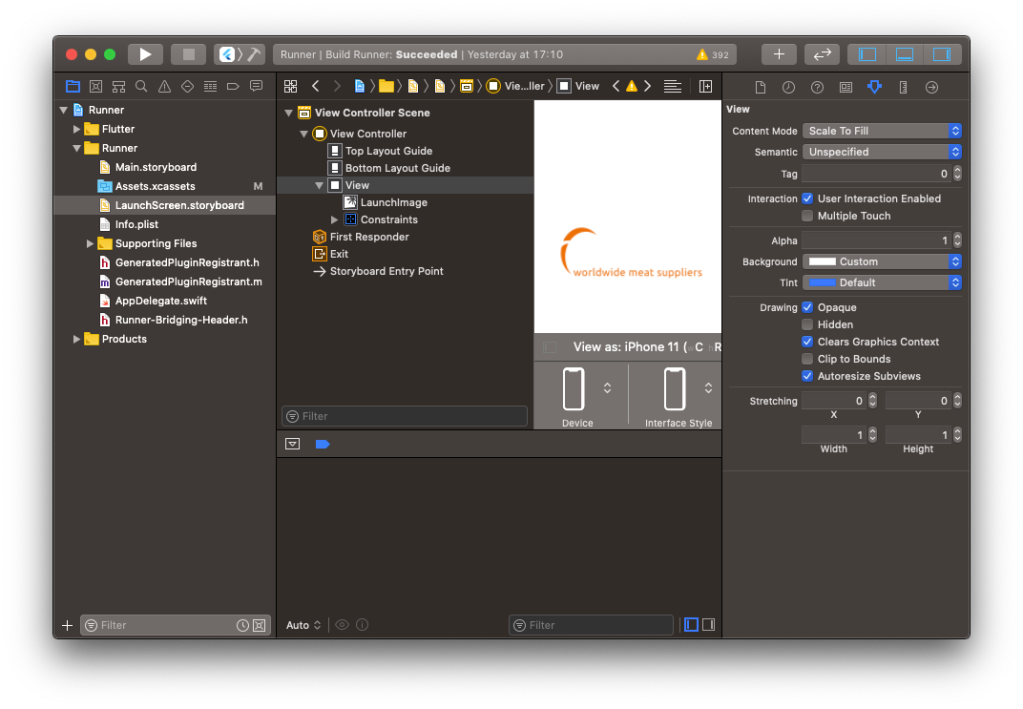
The splash screen now looks like this:
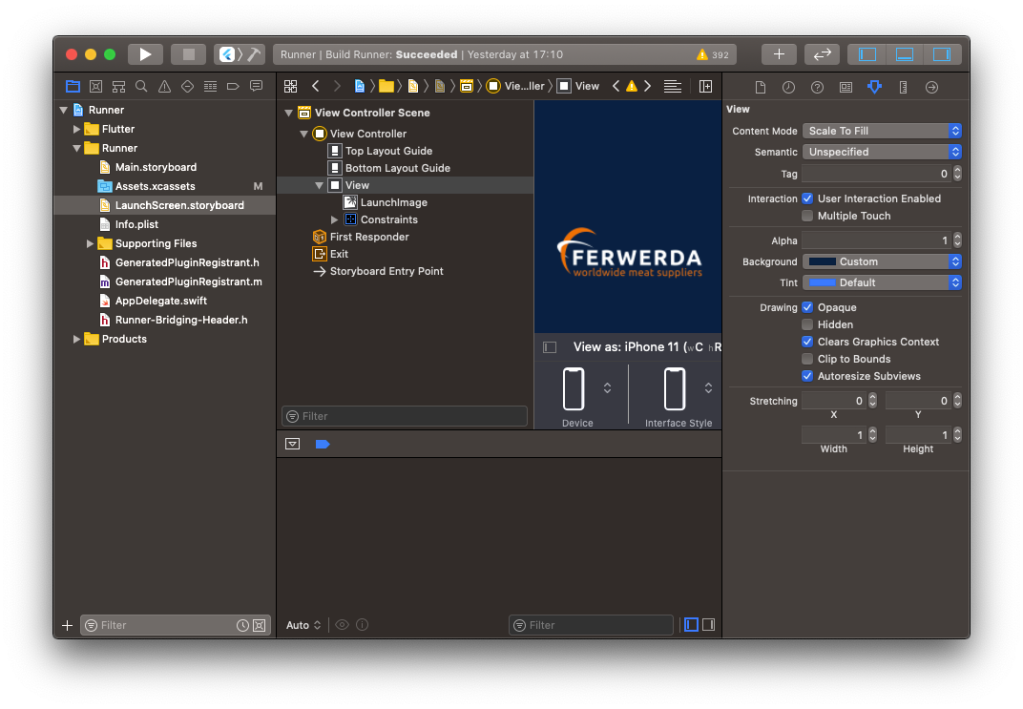
After changing the background color, the splash screen looks fine:
Launch icons on iOS
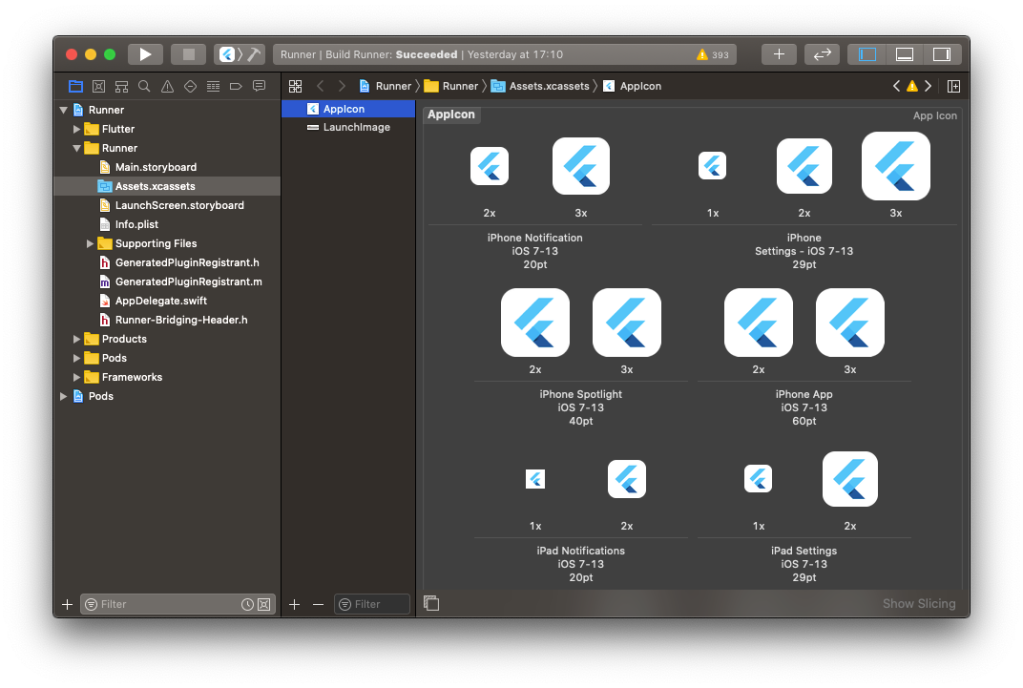
To add the launch icons in iOS, you have to open the section AppIcon in Assets.xcassets. With a default Flutter project, it will look like this in Xcode:
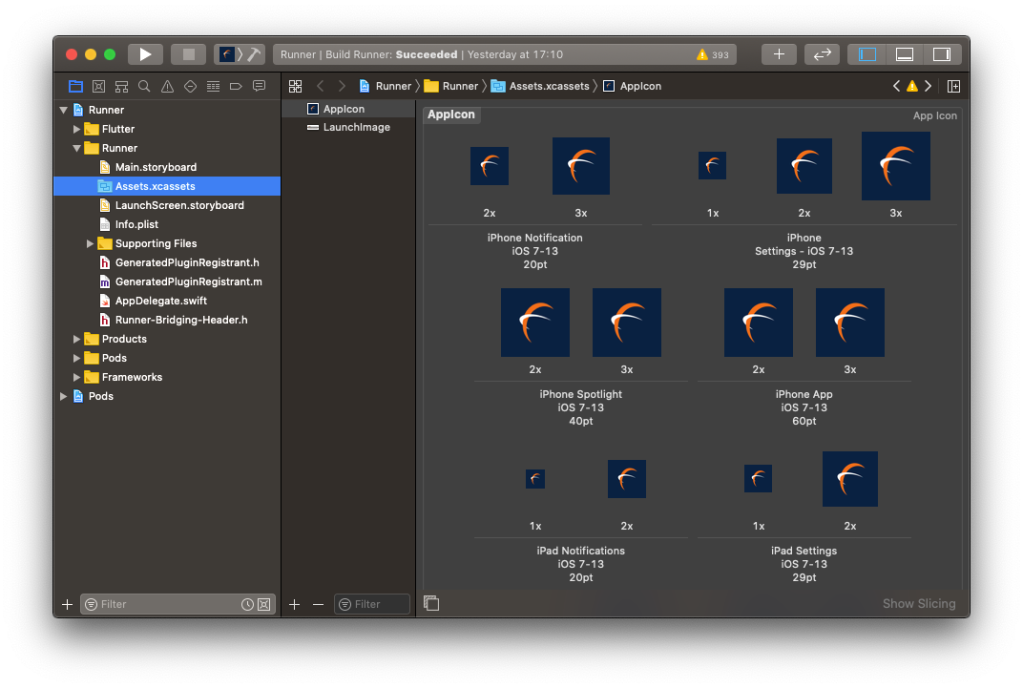
After carefully dragging and dropping all icons to the right places, it will look like this:
At last, you would like to change the CFBundleName in the info.plist to something that you want to have as text below the launch icon.
Splash screen on Android
The process of adding a splash screen felt a bit easier on the Android side.
First I replaced all existing ic_launcher.png files with the ones that I received from my UX designer:
<flutter_project>/android/app/src/main/res/mipmap-mdpi/ic_splash.png
<flutter_project>/android/app/src/main/res/mipmap-hdpi/ic_splash.png
<flutter_project>/android/app/src/main/res/mipmap-xhdpi/ic_splash.png
<flutter_project>/android/app/src/main/res/mipmap-xxhdpi/ic_splash.png
<flutter_project>/android/app/src/main/res/mipmap-xxxhdpi/ic_splash.png
Add the file that specifies the background color of the splash screen:
<flutter_project>/android/app/src/main/res/values/colors.xml
<?xml version="1.0" encoding="utf-8"?>
<resources>
    <color name="splash\_background">#012141</color>
</resources>
Edit the file that defines the splash screen to include the background color and the ic_launcher image:
<flutter_project>/android/app/src/main/res/drawable/launch_background.xml
<?xml version="1.0" encoding="utf-8"?>
<!-- Modify this file to customize your launch splash screen -->
<layer-list xmlns:android="http://schemas.android.com/apk/res/android">
    <item android:drawable="@color/splash\_background" />

    <!-- You can insert your own image assets here -->
    <item>
        <bitmap
            android:gravity="center"
            android:src="@mipmap/ic\_splash" />
    </item>
</layer-list>
That’s it. The splash screen on Android is ready.
Launch icons on Android
I placed all the received assets in the following folder:
<flutter_project>/android/app/src/main/res/mipmap-xxxhdpi/ic_launcher_round.png
<flutter_project>/android/app/src/main/res/mipmap-xxxhdpi/ic_launcher.png
<flutter_project>/android/app/src/main/res/mipmap-xxhdpi/ic_launcher_round.png
<flutter_project>/android/app/src/main/res/mipmap-xxhdpi/ic_launcher.png
<flutter_project>/android/app/src/main/res/mipmap-xhdpi/ic_launcher_round.png
<flutter_project>/android/app/src/main/res/mipmap-xhdpi/ic_launcher.png
<flutter_project>/android/app/src/main/res/mipmap-mdpi/ic_launcher_round.png
<flutter_project>/android/app/src/main/res/mipmap-mdpi/ic_launcher.png
<flutter_project>/android/app/src/main/res/mipmap-hdpi/ic_launcher_round.png
<flutter_project>/android/app/src/main/res/mipmap-hdpi/ic_launcher.png
<flutter_project>/android/app/src/main/res/mipmap-anydpi-v26/ic_launcher_round.xml
<flutter_project>/android/app/src/main/res/mipmap-anydpi-v26/ic_launcher.xml
<flutter_project>/android/app/src/main/res/drawable/ic_launcher_foreground.xml
<flutter_project>/android/app/src/main/ic_launcher-web.png
At last, you would like to change the android:label in the AndroidManifest.xml to something that you want to have as text below the launch icon.
About the author
https://bsky.app/profile/sander-roest.bsky.social
Comments
Join the discussionNo comments yet. Be the first to comment.
Flutter for Line Of Business Apps
In this series I will tell my adventures with Flutter and Line Of Business Apps


